Your SolidWorks Beginner Course is on its way to your inbox, but...
If You’re Serious About Mastering SOLIDWORKS…You Need This One Skill Most Users Avoid
You’ve just enrolled in SolidWorks Beginner Course which means you’re serious about mastering SolidWorks.
But here’s the truth:
If you stop at part design, drawings, and assemblies — you’ll still look like 95% of other users.
They all know the basics.
They all apply for the same jobs.
They all get stuck modeling boxes, brackets, and bolts.
What sets the top 5% apart? Surfacing.
Surfacing is the advanced skill that most users avoid…
Because it’s confusing.
Unpredictable.
Easy to break.
But if you can learn it now while you’re still building momentum, you’ll unlock the one skill that:
✔ Makes your portfolio look elite
✔ Lets you design real-world products (not just practice parts)
✔ Opens doors to industrial design, consumer products, and high-paying freelance work
Once you master surfacing — everything changes.
You can design the kind of sleek, organic parts that companies actually want
You start thinking and working like a product designer, not just a CAD operator
You become confident modeling anything, even without perfect sketches
You unlock career paths and freelance jobs others have to skip
You earn respect, and real proof with an advanced certification (CSWPA-SU)
This isn’t just about learning tools.
This is about becoming a top-level modeler who’s trusted with real projects, because you know how to build complex geometry that works.
You’re not just another student playing with part design.
You’re someone who can walk into a design review and say:
“Yes — I can build that.”
What’s Inside the Course:
Sketching For Surface
Surface Creation Tools
Surface Modifiers Tools
Real World Examples
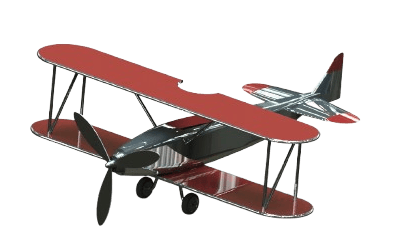
Project: Vintage Plane
CSWPA-SU Prep Exam
This Is For You If:
You know the basics of SolidWorks but feel stuck at intermediate level
You’ve tried surfacing before and got overwhelmed
You’re afraid to open the surfacing tab
You want to apply for product design jobs, but your parts all look boxy
You want to model like the top 5% — not stay stuck as “just a beginner”
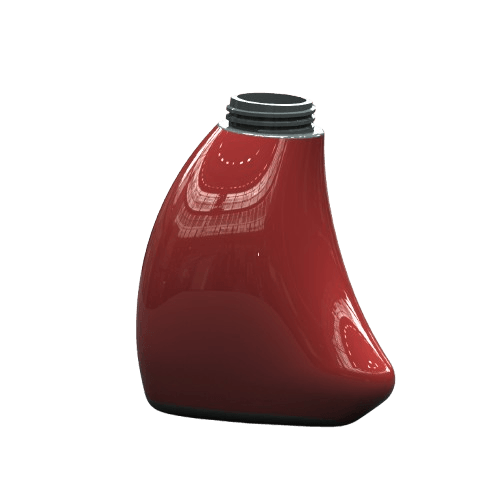
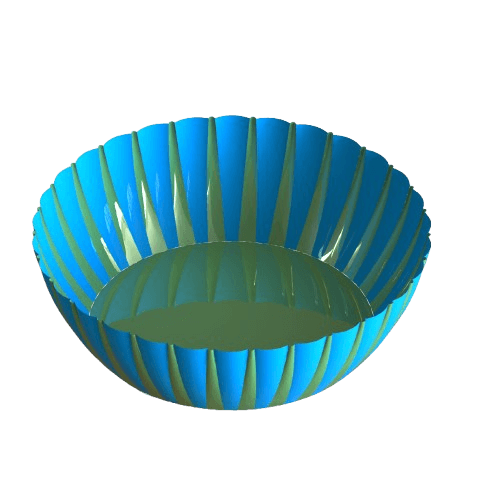
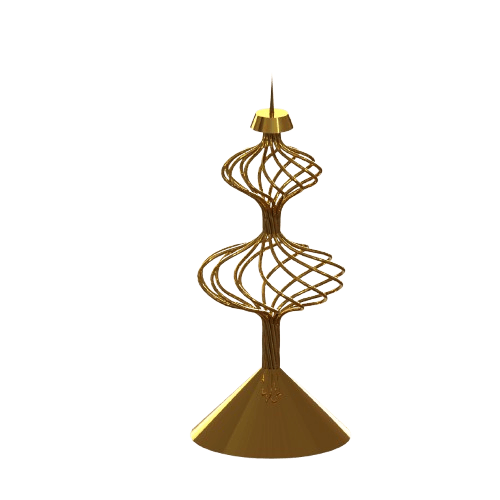
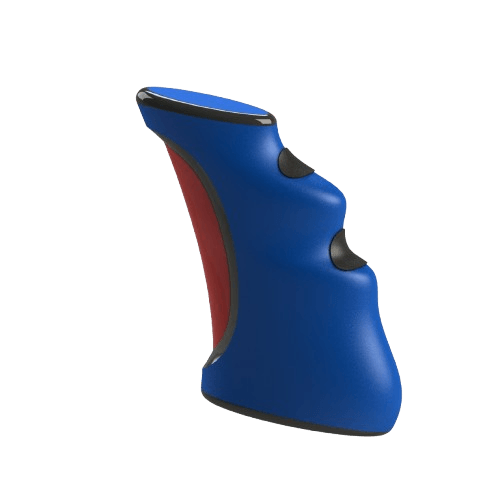
Real World Models You'll To Build In This Course
What You’ll Get Today:
Full breakdown of surfacing tools such as boundary, loft, fill, trim, knit, mutual trim, and more
Real-world projects: joystick, bottle, shovel, bowl...
Surfacing workflows for part + surface hybrid models
How to fix gaps, transitions, and surface errors like a pro
BONUS: CSWPA-SU Exam Prep
Today Only: Add This to Your Order for Just $17
(Regular Price: $97)
You’ll never see this price again.
Become surfacing-confident
Stand out with advanced certification
Build parts 95% of users avoid
©cadandengineeringschool