Your SolidWorks Beginner Blueprint Is On Its Way!
Check your inbox in the next few minutes.
WATCH THIS 1 MIN VIDEO!
WANT TO LEARN HOW TO APPLY TOOLS FROM BLUEPRINT ON REAL PARTS, ASSEMBLIES, AND DRAWINGS?
Your free blueprint will show you:
Which tools actually matter
In what order to learn them
And how professionals think when modeling
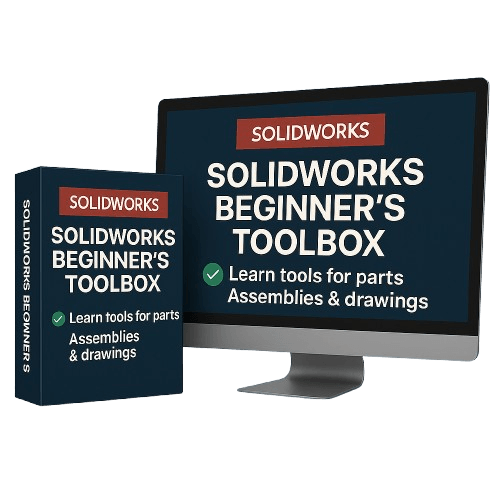
But the Beginner’s Toolbox shows you step-by-step how to use each tool in real parts and assemblies — so the knowledge sticks.
Beginner's Toolbox
The step-by-step video training that shows you exactly how to use every tool in the Blueprint.
This is the bridge between:
knowing what to do → actually being able to do it.
Inside, you’ll learn by building real models — not just watching.
What’s Inside the Toolbox:
• Sketching Essentials Tools
How to create clean, stable sketches that never “break.”
• Dimensioning & Design Intent Tools
How to control your model instead of fixing it every 5 minutes.
• Core Part Modeling Tools
Tools that are used in real part designing (not toy examples).
• Assembly Fundamental Tools
How to correctly mate components so they move and behave realistically.
• Technical Drawings Basic Tools
How to prepare models for manufacturing — clean, readable, professional drawings.
BONUS (Included Free):
10 Biggest Mistakes Beginners Make — And How to Avoid Them
This was originally taught as a paid workshop ($200).
You get it free when you grab the Toolbox today.
Why This Matters:
You don’t learn SolidWorks by watching…
You learn it by doing the right steps, in the right order.
This Toolbox gives you the exact workflow to apply the tools from the blueprint to real modeling — the fastest way to start designing with confidence.
One-Time Price:
$17
Guarantee:
Try it.
If it doesn’t make modeling clearer, easier, and more control, email me within 7 days for a full refund.
No risk.
Who Is This Perfect For?
Complete beginners
Students
Mechanical technicians
Engineers who never learned SW properly
Anyone who wants to model real-world parts fast
About the Instructor
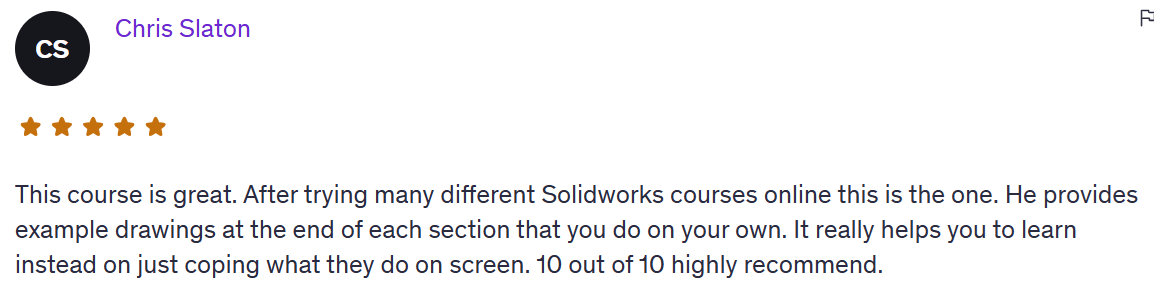
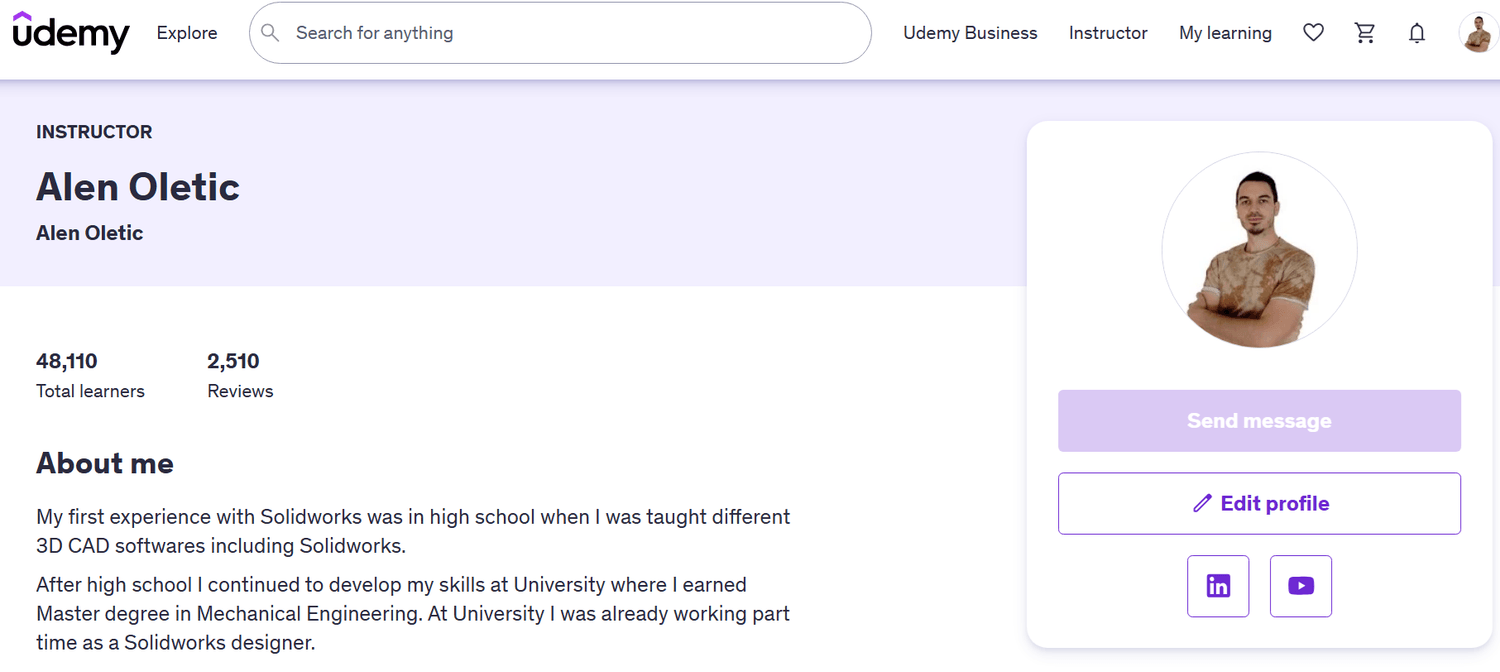
Hi, I’m Alen Oletić — a SOLIDWORKS Certified Professional with a Master’s degree in Mechanical Engineering. Over the past 4 years, I’ve taught 48,000+ students how to confidently use SOLIDWORKS through my best-selling online courses.

@Copyright 2025