SOLIDWORKS LaunchPad
Go from total beginner to confident, job-ready SOLIDWORKS PRO designer with a proven step-by-step system
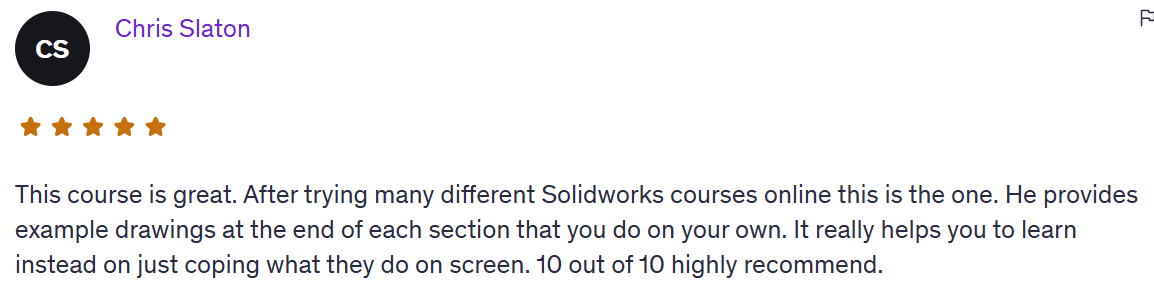
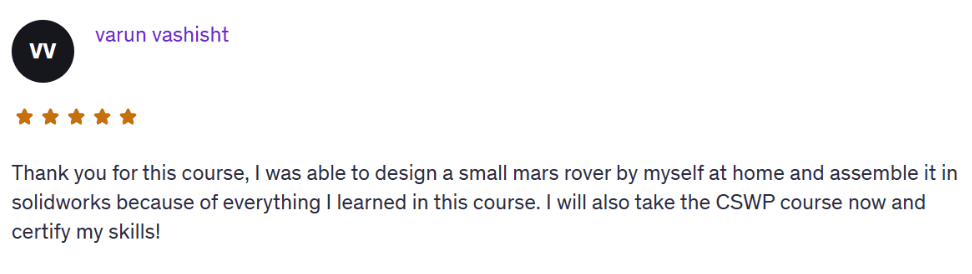
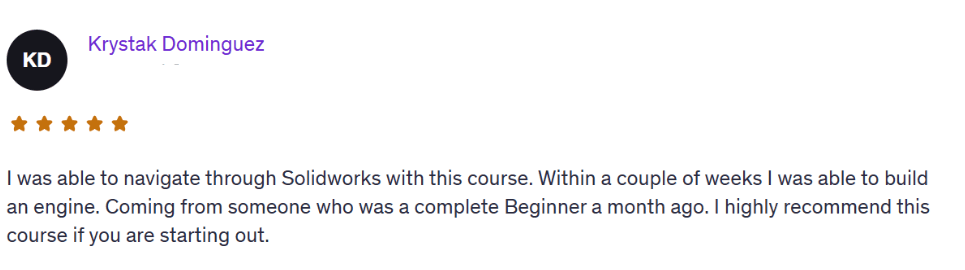
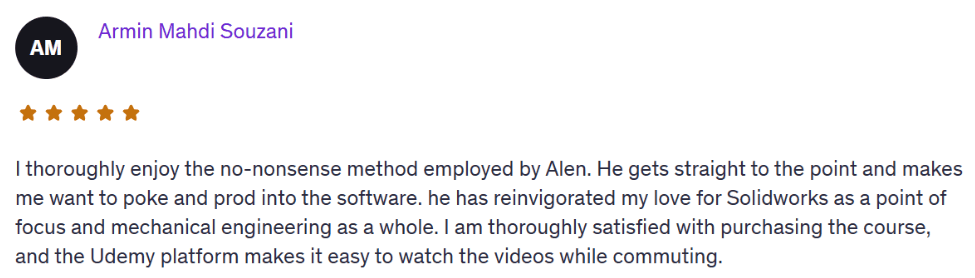
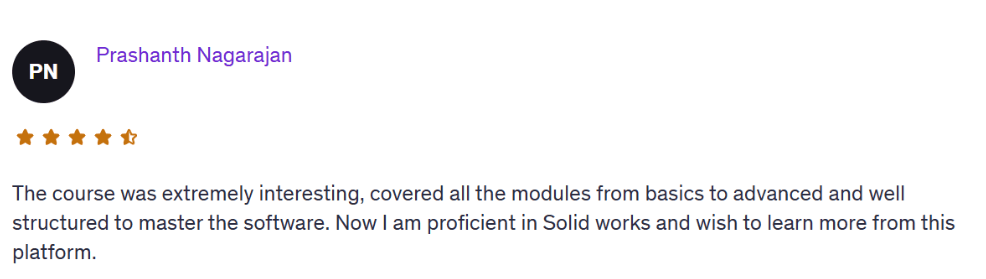
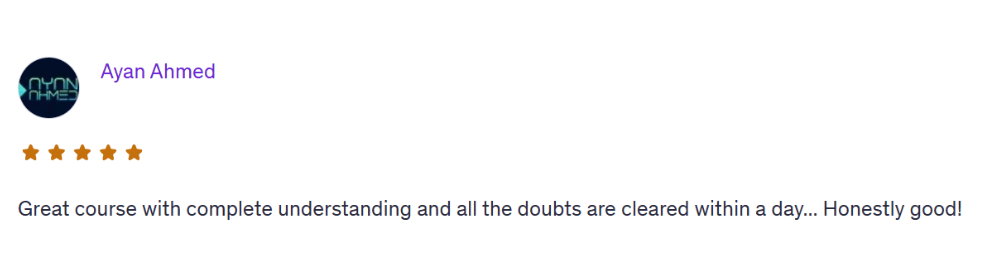
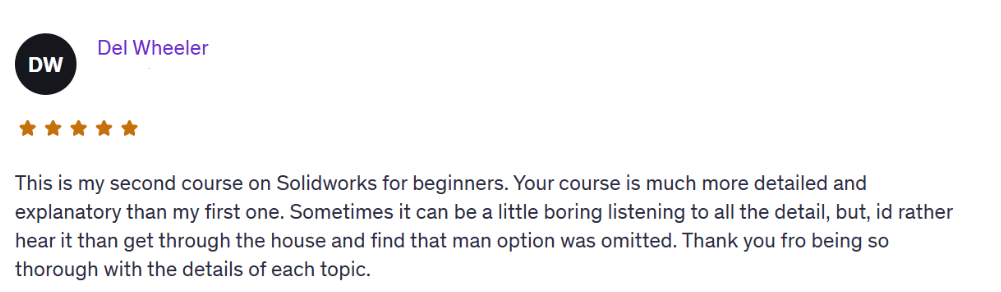
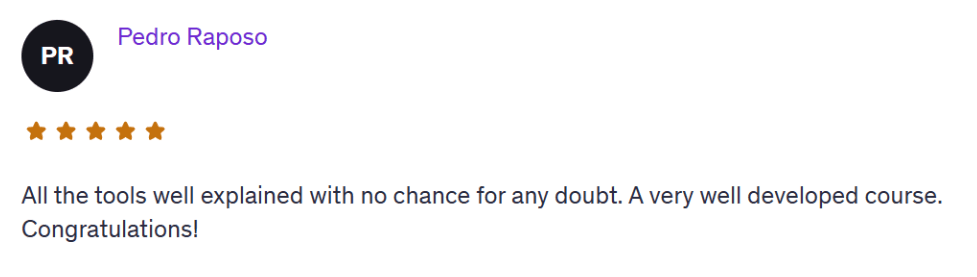
Over 3,500 students have taken this bestselling Udemy course (rated 4.6 stars)…
And now you can grab it here for only $7.
You’ve watched tutorials.
You’ve taken a free course or two.
You’ve even opened SolidWorks and tried to model a part.
But let’s be real…You’re still stuck. Still unsure where to start. Still feeling like you’re not making progress.
You want to build real parts.
You want to feel confident using the software.
But right now? You doubt yourself every time you open the software.
That doubt doesn’t go away on its own. You need a clear path. A complete system. A way forward that actually makes sense.
SolidWorks LaunchPad is built for people exactly like you. The ones who don’t just want to click buttons, but want to build real skills, real confidence, and real projects.
This is not just a beginner tutorial. It’s a launch system. To take you from hesitant beginner to confident, certified, and job-ready in the next 30-60 days.
Who This Is For
Total beginners overwhelmed by tutorials and YouTube noise
Students who want to build a real Solidworks skills and stand out
Career changers preparing for design jobs
Makers, builders, and aspiring engineers who want to bring ideas to life
What You'll Be Able to Do Upon Finishing This Course
Navigate the SOLIDWORKS interface like a pro
Sketch and model mechanical parts from scratch
Build full assemblies and simulate motion
Create fully defined drawings with proper views, dimensions, and annotations
Create a mini-portfolio of real designs
The Step-by-Step Learning Process
Module 1: Setup & Sketching Foundations
Interface walkthrough and setup
Drawing first sketches with constraints and relations
Simple modeling basics
Module 2: Sketching Mastery
Advanced 2D sketching
Using parameters, design intent, and equations
Modeling small real-world parts
Module 3: Part Design & Features
Extrude, Revolve, Loft, Sweep
Fillets, Shells, Drafts, and Patterns
Parametric modeling principles
Module 4: Assemblies & Motion
Multi-part assemblies
Mates and mechanical motion
Realistic simulations of simple mechanisms
Module 5: Drawing Documentation
Review drawing standards: views, dimensions, annotations
Practice creating fully defined drawings with BOM and title blocks
Final review of common mistakes and personal drawing feedback
Module 6: Rendering & Animation
Apply materials, lighting, and backgrounds for clean renders
Create basic exploded views and animation studies
Export final visuals for certification projects or portfolio
What's Included
Beginner to Advanced Sketching
SOLIDWORKS Part Design Mastery
Assemblies and Motion
Drawing Documentation
Rendering & Animation
Examples & Exercises
You’re no longer just “learning.” You’re building. You’re showing.
You’re separating yourself from the crowd.
That’s what this is about.
BONUS: 30-Day Private Support
Ask me questions, send over your models, or tell me where you're stuck — I’ll reply with direct help
Imagine this:
You open SOLIDWORKS with a clear goal in mind.
You sketch, extrude, apply relations — and the part looks just like the real thing.
You save the file, screenshot your model, and feel genuinely proud.
You compile your best builds into a simple portfolio — ready for a job interview, resume, or freelance pitch.
You’re no longer just “learning.” You’re building. You’re showing.
You’re separating yourself from the crowd.
That’s what this is about.
The full SolidWorks Launchpad course is normally $147.
But because you just entered my Solidworks world, I want to start with no brainer offer, so you can get lifetime access today only for just $7.
This is a one-time offer — available only on this page. Once you leave, the price jumps back.
Over 3,500 students have taken this bestselling Udemy course (rated 4.6 stars)…
And now you can grab it here for only $7.
If you’re serious about modeling, creating, and building something real — this is the best next step.

About the Instructor
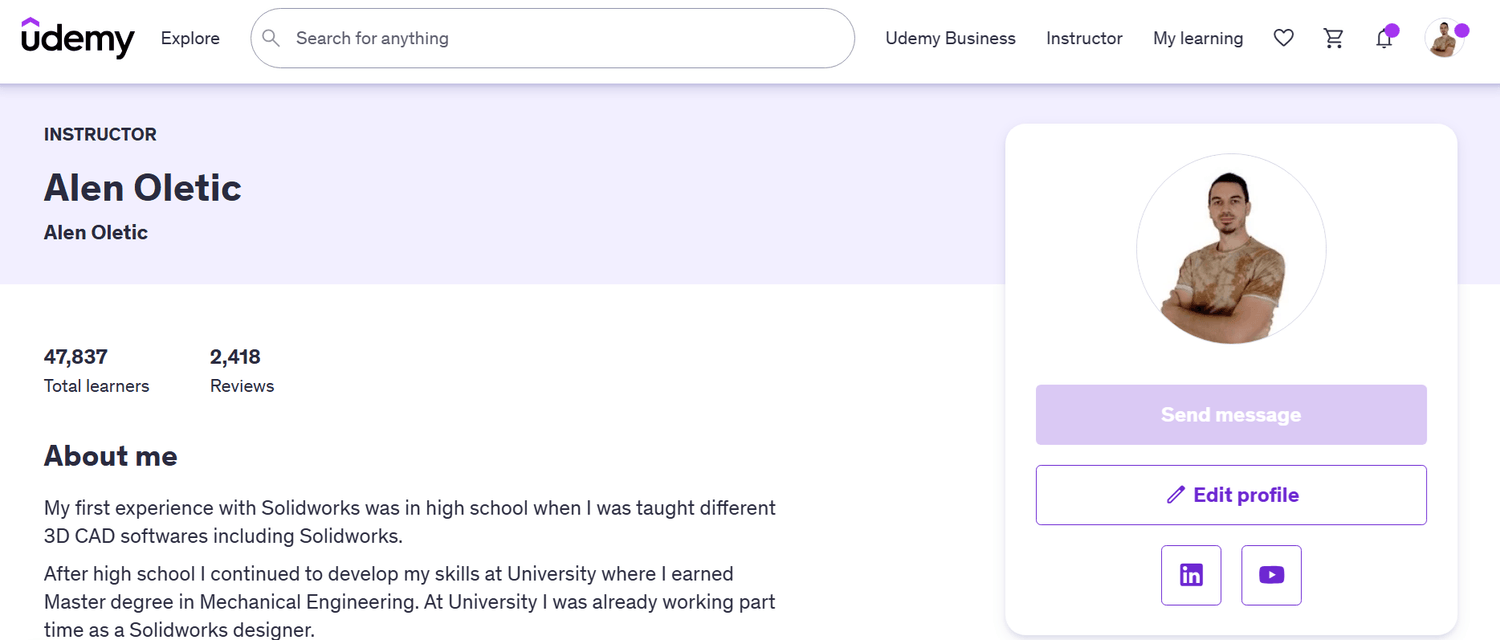
Hi, I’m Alen Oletić — a SOLIDWORKS Certified Professional with a Master’s degree in Mechanical Engineering. Over the past 4 years, I’ve taught 47,000+ students how to confidently use SOLIDWORKS through my best-selling online courses.
I don’t just teach buttons — I teach you how to think like an engineer, build real-world parts, and create a portfolio that actually gets noticed. Whether you're preparing for certification, job interviews, or freelance work, I’ll help you focus on what truly matters — and skip the fluff.

@Copyright 2025