BOOM! Your SolidWorks Career Starter Guide is on its way to your inbox — check your inbox in 2–3 minutes. But before you go…let’s turn that plan into results.
WAIT! Do you want to implement what’s inside the guide and fast-track your SolidWorks career?
Because inside the guide, you’ll discover what to do.
But here’s the truth…knowing what to do and actually doing it right are two very different things.
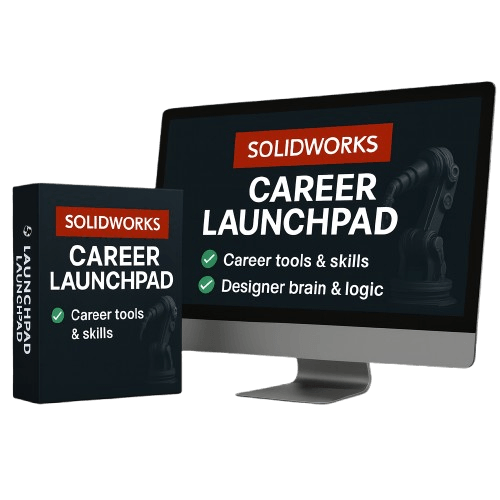
That’s why I created the SolidWorks Career LaunchPad, a complete step-by-step course that helps you build real skills, and confidence that employers and clients actually notice.
If you’re serious about turning your interest in SolidWorks into a real career, this is your shortcut.
Why most people never make it with SolidWorks?
You’ve seen this before...people jump between YouTube tutorials and forums.
They learn random tools…but they never learn how to design with intent.
So when their model breaks, they restart.
When they face a new project, they freeze.
And when employers ask for real proof, they have nothing to show.
That’s why most SolidWorks users stay stuck at “beginner.”
But if you want to become one of the top SolidWorks designers, the kind who:
Builds complex models that others can’t figure out
Solves problems no one else in the team knows how to fix
Asks for (and gets) a raise
Lands freelance projects because clients trust your skill and precision
Then you need structure, depth, and professional-level guidance.
That’s exactly what you’ll find inside SolidWorks Career LaunchPad.
SOLIDWORKS CAREER LAUNCHPAD is the Accelerator for Ambitious Beginners
You’ll go from following tutorials to thinking like a designer.
Instead of just knowing what to click, you’ll understand why to click it, when to use it, and how to build models that work flawlessly, every time.
Here’s What You’ll Master Inside LaunchPad:
Sketching & Design Intent: Build clean, fully-defined sketches that never fail.
Part Design: Learn how to model real parts using features that make sense for manufacturing.
Assemblies: Create real-world mechanisms that move, align, and fit perfectly.
Drawings: Produce professional 2D documentation trusted by manufacturers.
This special offer is only available right now, on this page. Once you leave, it’s gone.
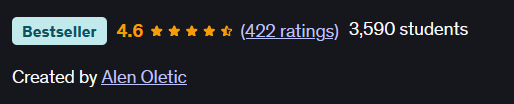
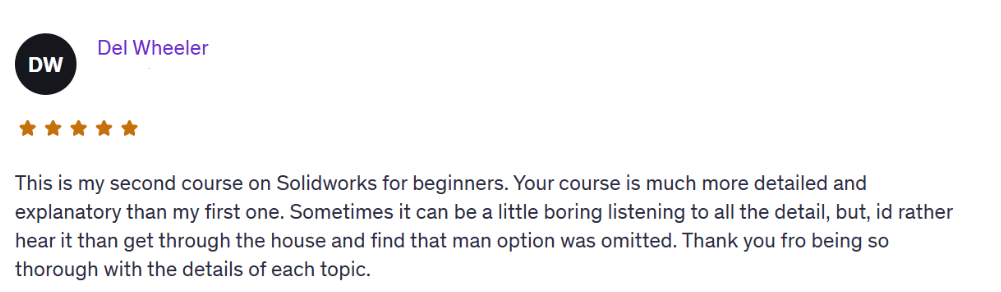
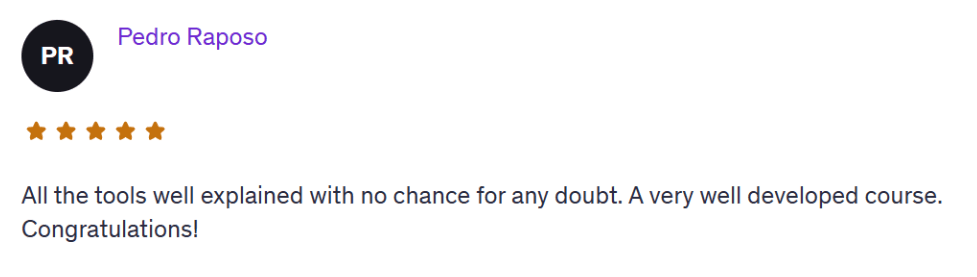
Over 3,500 students have taken this bestselling Udemy course (rated 4.6 stars)…
And now you can grab it here for only $17.
How It Works
Join today for just $17 — this is a one-time offer, only available on this page.
Get instant lifetime access to all course videos, real-world projects, exercises.
Learn at your own pace — no pressure, no deadlines.
Build real parts and gain the confidence to use SolidWorks in real jobs or projects.
Email me anytime for 1-on-1 support if you get stuck
That’s it.
Simple. Straightforward. Beginner-friendly.
Learning Process
Setup & Sketching Foundations
Interface walkthrough and setup
Drawing first sketches with constraints and relations
Simple modeling basics
Sketching Mastery
Advanced 2D sketching
Using parameters, design intent, and equations
Modeling small real-world parts
Part Design & Features
Extrude, Revolve, Loft, Sweep
Fillets, Shells, Drafts, and Patterns
Parametric modeling principles
Assemblies & Motion
Multi-part assemblies
Mates and mechanical motion
Realistic simulations of simple mechanisms
Drawing Documentation
Review drawing standards: views, dimensions, annotations
Practice creating fully defined drawings with BOM and title blocks
Final review of common mistakes and personal drawing feedback
Over 3,500 students have taken this bestselling Udemy course (rated 4.6 stars)…
And now you can grab it here for only $17.
HERE'S EVERYTHING YOU'RE GETTING TODAY
SolidWorks Career LaunchPad Course (Value: $497)
A complete beginner-friendly training designed to build real confidence with real skills.
How to navigate the SolidWorks interface without overwhelm
Sketching — and how to avoid messy geometry
Part modeling with real design logic
Assemblies — how to connect and position parts like a pro
Creating clean, professional 2D drawings
Rendering basics — make your models look beautiful and presentation-ready
Intro to motion and animation — bring your assemblies to life
TOTAL VALUE: $611
Regular price: $147
TODAY ONLY: $17
Right Now, You Have Two Options:
1) Stay where you are, watch random YouTube tutorials, learn the basics, and keep experimenting. (That’s fine if your goal is just to understand the fundamentals.)
2) Or take the next step, master the full system, and build the kind of skill set that puts you in the top 15% of SolidWorks designers.
This Is How You Go From “Learner” to “Professional.”
By the end of the program, you’ll:
Understand how to design with intent, not just use commands.
Create real projects you can use in your portfolio.
Be ready to apply for SolidWorks jobs or start freelancing confidently.
Finally feel like a SolidWorks professional, not a beginner.
Try the SolidWorks Career LaunchPad 100% Risk-Free for 30 Days
Don’t decide now.
Grab the full SolidWorks Career LaunchPad course today, go through the videos, practice the real projects, and if you don’t feel more confident using SolidWorks.
If you don’t feel like you’re actually progressing...
Just send me a message within 30 days and I’ll refund every penny.
No questions asked.
No hassle.
No hard feelings.
I’m confident this course will help you finally understand SolidWorks and give you a skills to build real parts, not just play around.
So if you're even thinking about it…
Just get in now while it’s only $17.
You literally can’t lose.
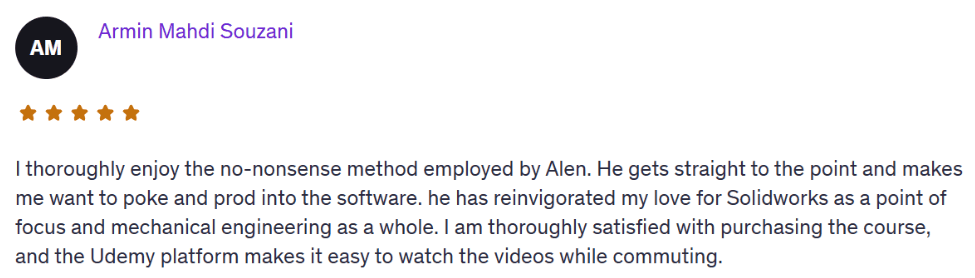
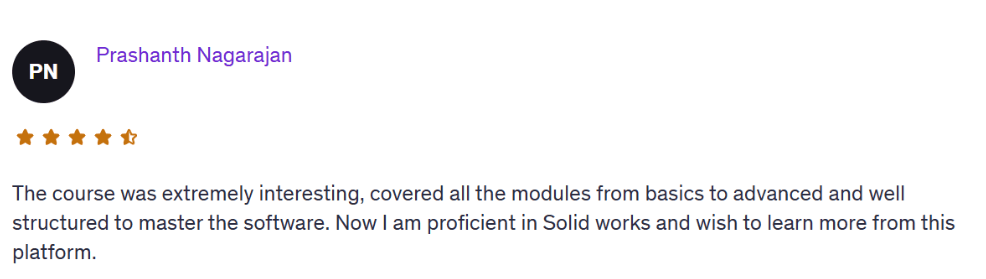
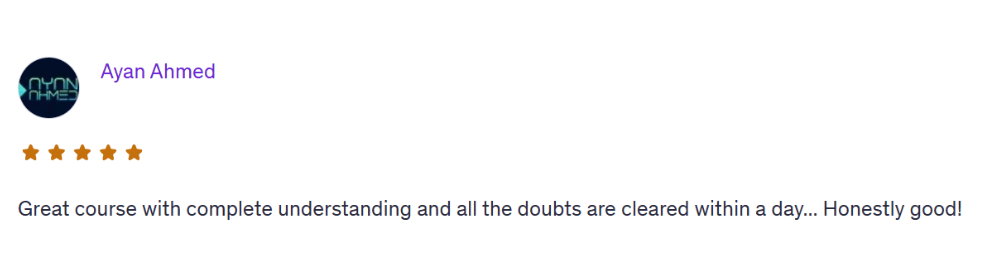

Once you know how to design with intent, everything changes, your confidence, your opportunities, and your value in the market.
If you’re serious about building a career with SolidWorks, this is the fastest, most direct path.
Frequently Asked Questions
Yes. We start from zero. You’ll learn the SolidWorks interface, basic sketching, part modeling, assemblies, and how to actually build real-world parts. No experience needed.
You get lifetime access. No rush, no deadlines. You can go through the lessons at your own pace and revisit them anytime.
You get instant access to the full SolidWorks LaunchPad course, real project tutorials, and a few powerful extras. Plus, direct 1-on-1 email support from me whenever you get stuck.
Any version from 2016 and up is totally fine. You don’t need the latest one — almost everything we cover works in older versions too.
No. If you can open SolidWorks and follow simple steps, you’re good. Everything is explained clearly and built for someone with no tech background.
Email me. Seriously. I’ll help you personally, explain what’s wrong and how to fix it. You’re not alone here.
No catch. This same course sells for $97 elsewhere. But on this page only, you can get it for $27 as a one-time offer to get started — no tricks, no subscriptions.
Try it risk-free for 30 days. If you’re not satisfied or it doesn’t help, just email me and I’ll refund your $47 — no questions asked.
About the Instructor
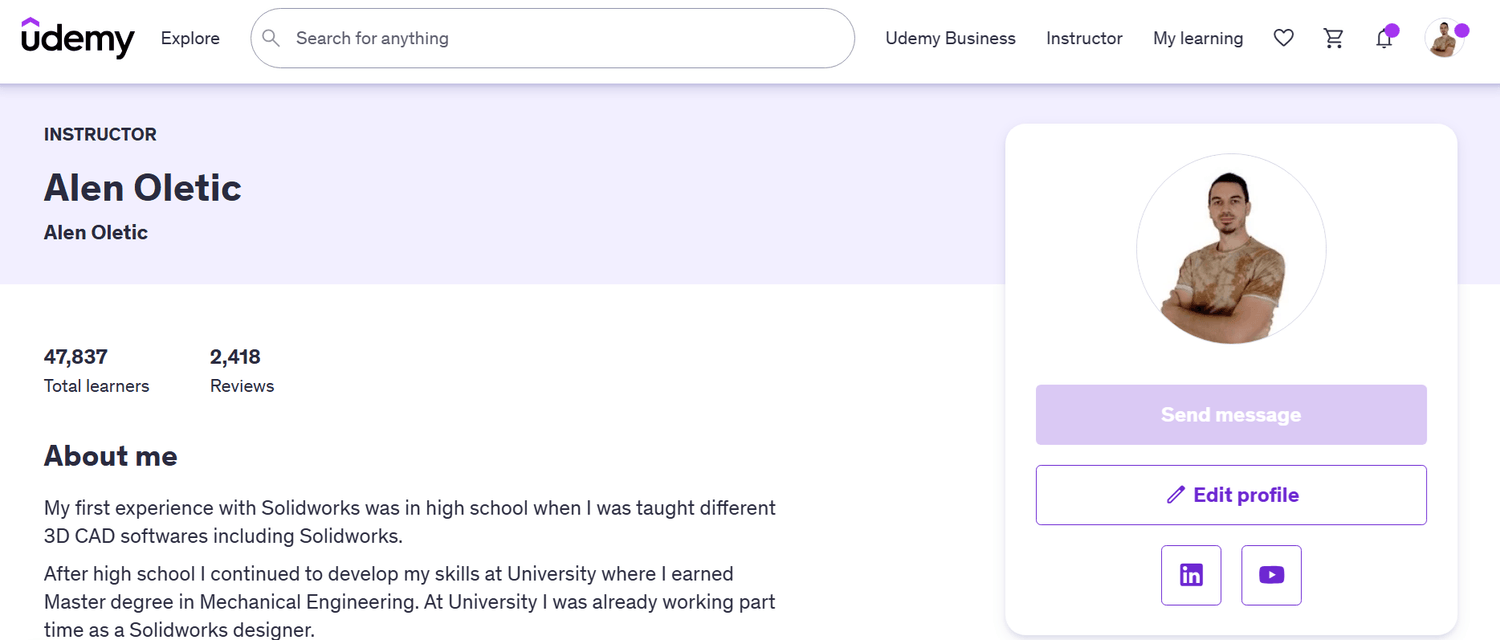
Hi, I’m Alen Oletić — a SOLIDWORKS Certified Professional with a Master’s degree in Mechanical Engineering. Over the past 4 years, I’ve taught 47,000+ students how to confidently use SOLIDWORKS through my best-selling online courses.
I don’t just teach buttons — I teach you how to think like an engineer, build real-world parts, and create a portfolio that actually gets noticed. Whether you're preparing for certification, job interviews, or freelance work, I’ll help you focus on what truly matters — and skip the fluff.

@Copyright 2025