Congratulations! Your SolidWorks Beginner Course is on its way to your inbox. Before you leave...
Join the 30-Day PRO Challenge – SolidWorks LaunchPad Program Just $27 (Limited-Time Offer, Reg. $197)
Go from total beginner to confident, job-ready SOLIDWORKS PRO designer in 30 days
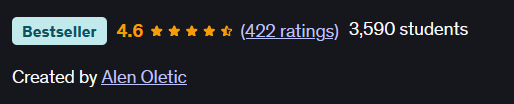
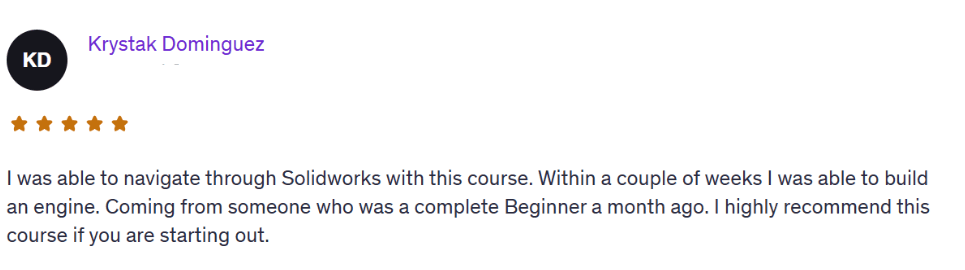
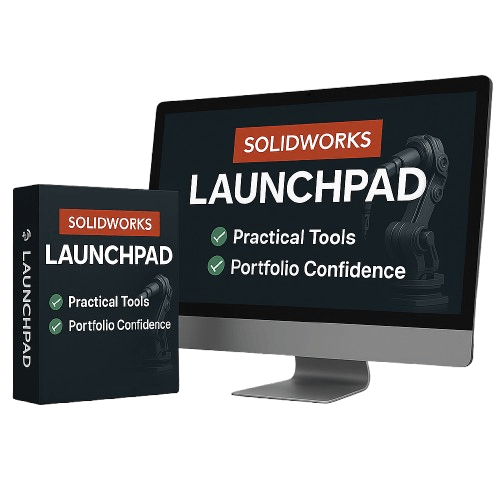
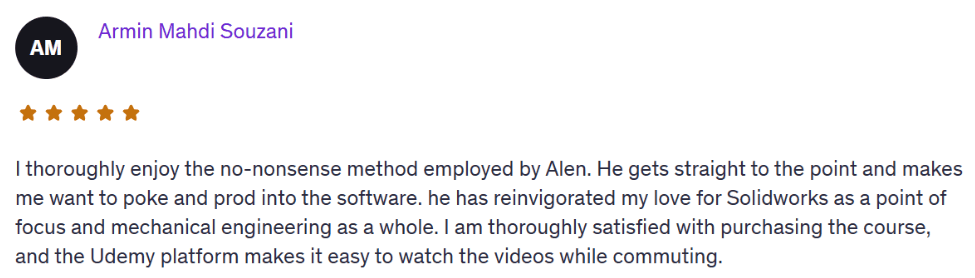
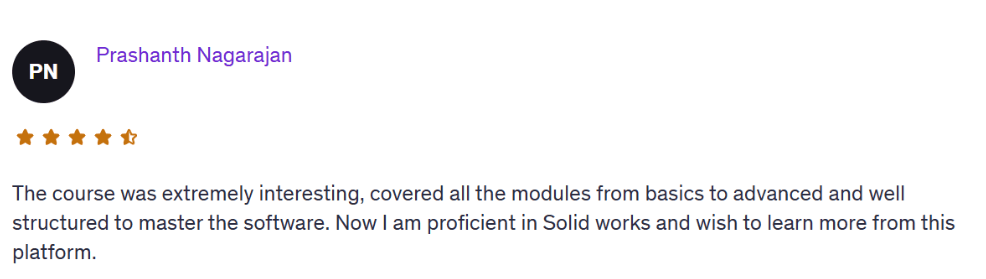
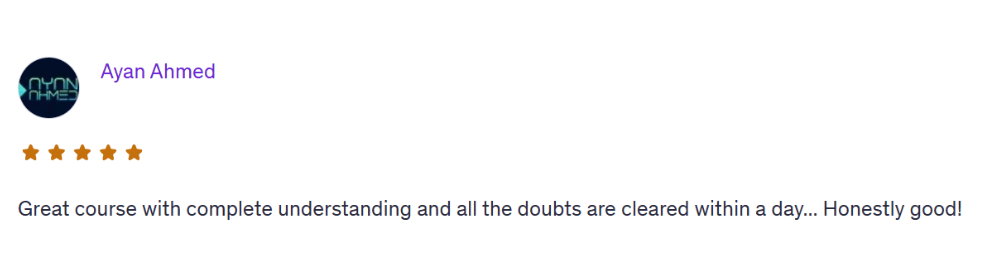
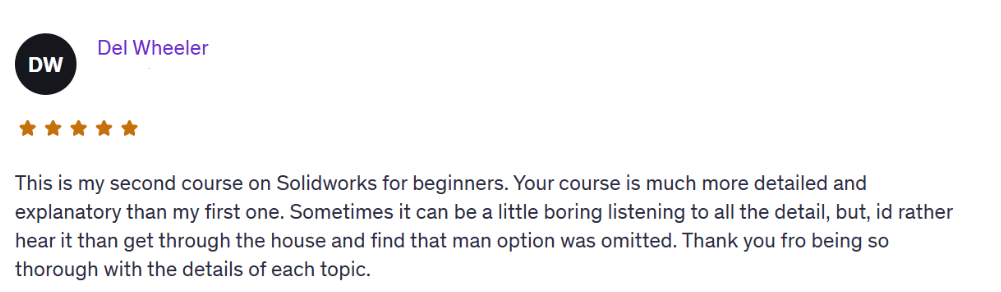
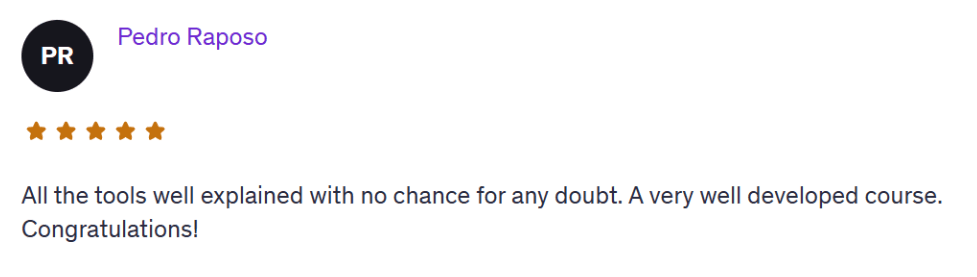
Over 3,500 students have taken this bestselling Udemy course (rated 4.6 stars)…
And now you can grab it here for only $27.
SolidWorks Beginner Course will show you the basics and how to build your first models.
But let’s be real...
You want to build real, professional parts that get the job done.
You want to feel confident using the software.
But right now? You doubt yourself every time you open the software.
That doubt doesn’t go away on its own. You need a clear path. A complete system. A way forward that actually makes sense.
SolidWorks LaunchPad is built for people exactly like you. The ones who don’t just want to click buttons, but want to build real skills, real confidence, and real projects.
This is not just a beginner tutorial. It’s a launch system. To take you from hesitant beginner to confident, and job-ready in the next 30.
How It Works
Join today for just $27 — this is a one-time offer, only available on this page.
Get instant lifetime access to all course videos, real-world projects, exercises.
Learn at your own pace — no pressure, no deadlines.
Build real parts and gain the confidence to use SolidWorks in real jobs or projects.
Email me anytime for 1-on-1 support if you get stuck
That’s it.
Simple. Straightforward. Beginner-friendly.
Who This Is For
Total beginners overwhelmed by tutorials and YouTube noise
Students who want to build a real Solidworks skills and stand out
Career changers preparing for design jobs
Makers, builders, and aspiring engineers who want to bring ideas to life
30 Day Learning Process
DAY 1-5: Setup & Sketching Foundations
Interface walkthrough and setup
Drawing first sketches with constraints and relations
Simple modeling basics
DAY 6-10: Sketching Mastery
Advanced 2D sketching
Using parameters, design intent, and equations
Modeling small real-world parts
DAY 11-15: Part Design & Features
Extrude, Revolve, Loft, Sweep
Fillets, Shells, Drafts, and Patterns
Parametric modeling principles
DAY 16-20: Assemblies & Motion
Multi-part assemblies
Mates and mechanical motion
Realistic simulations of simple mechanisms
DAY 20-25: Drawing Documentation
Review drawing standards: views, dimensions, annotations
Practice creating fully defined drawings with BOM and title blocks
Final review of common mistakes and personal drawing feedback
DAY 26-30: Rendering & Animation
Apply materials, lighting, and backgrounds for clean renders
Create basic exploded views and animation studies
Export final visuals for certification projects or portfolio
Still on the Fence? Let’s Clear Things Up.
“I’m a total beginner. Is this too advanced for me?”
Nope. This course was made for beginners.
We start from zero — you’ll learn what to click, why it matters, and how to actually build real parts step by step.
No fluff. No jargon. Just what you need.
“I’ve tried YouTube, but I still feel lost. How is this different?”
YouTube gives you random tips. This gives you a system.
Each lesson builds on the last. You’ll stop guessing, stop jumping between videos — and finally feel like you know what you’re doing.
“I don’t have much time. Can I still do this?”
Yes. You get lifetime access, and the course is self-paced.
Even if you only have 30 minutes a day, you’ll make real progress — and you can always come back to it when you’re ready.
“Is this really worth $27?”
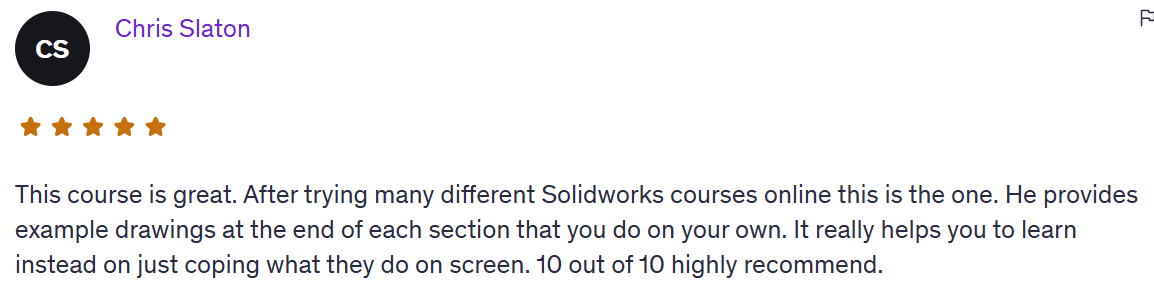
This same course sells for $147 on other platforms — and over 3,900 students have enrolled with a 4.6-star average rating.
Here, today, it’s just $27 because I want you to finally get started, without excuses.
“What if it doesn’t work for me?”
Try it risk-free for 30 days.
If you don’t feel more confident using SolidWorks, just ask and I’ll refund every penny.
No questions asked.
What's Included
Beginner to Advanced Sketching
SOLIDWORKS Part Design Mastery
Assemblies and Motion
Drawing Documentation
Rendering and Animation
Examples and Exercises
You’re no longer just “learning.” You’re building. You’re showing.
You’re separating yourself from the crowd.
That’s what this is about.
Wait—There’s More!!!!
BONUS #1: Evaluation Tools Mastery — The Tools Pros Actually Use.
Learn the hidden features inside SolidWorks that check your work for you.
Most beginners never touch these tools, but professionals use them every day to catch mistakes, test functionality, and avoid future issues in manufacturing or assembly.
This bonus mini-module shows you how to use SolidWorks' built-in evaluation tools the right way.
Inside you’ll learn:
- How to use Compare Documents to quickly spot changes between versions
- How to run Interference Detection in assemblies to catch misalignments
- Where to find and how to use Mass Properties, Draft Analysis, and Collision Detection
- How to analyze Center of Mass and Part Performance before it becomes a problem
- A full walkthrough of each tool with real-world examples
These aren’t just features, they’re what separate average users from serious, detail-oriented professionals.
Once you know how to use them, your designs will feel cleaner, smarter, and more reliable, even to experienced eyes.
BONUS #2: Modeling from Photographs Mini-Training.
Turn any real object into a SolidWorks part — starting with just a photo.
This bonus shows you how to build custom parts from reference photos, the exact skill that helps you stand out in freelance work, client projects, or building a personal portfolio.
Inside this training:
- How to choose the right type of photo and set it up in SolidWorks
- How to scale, align, and sketch accurately based on that image
- Real demo: turning a product photo into a clean 3D model
- Tips to avoid common mistakes beginners make (like bad proportions or wrong scaling)
Whether you want to replicate a broken part, make something from the real world, or impress with portfolio work, this bonus unlocks a super useful (and fun) skill.
Why You Need This Right Now
This offer is only available right now on this page.
The SolidWorks LaunchPad normally sells for $147.
But today only, as part of this special offer, you can get full access for just $27.
Yes, $27.
Not a trial.
Not a teaser.
You get the entire course, with lifetime access, for less than the price of lunch.
Why so cheap?
Because I want to give beginners the easiest possible way to finally start learning SolidWorks the right way with real projects, and clarity.
But this page is the only place you’ll see this deal.
Once you leave, this price disappears.
So if you’re tired of guessing your way through YouTube videos…
If you want to build actual parts, and feel confident using the software…
This is your moment.
Click the button, join the LaunchPad, and let’s build something real.
Over 3,500 students have taken this bestselling Udemy course (rated 4.6 stars)…
And now you can grab it here for only $27.
Here’s Exactly What Happens After You Join
The moment you enroll, you’ll get instant lifetime access to everything inside the course.
You’ll be taken straight to your private course dashboard, where you can:
Watch all the video lessons at your own pace — no pressure, no deadlines
Follow real-world exercises to practice what you learn
See step-by-step examples so you never feel lost or confused
Get 1-on-1 email support directly from me — if you’re stuck, I’ll help you personally
Download any project files or templates so you can build along with the lessons
Revisit the material anytime — your access never expires
You don’t need any experience.
Just log in, start watching, and begin making clean, professional design from scratch.
HERE'S EVERYTHING YOU'RE GETTING TODAY
SolidWorks LaunchPad Course (Value: $497)
A complete beginner-friendly training designed to build real confidence with real skills.
How to navigate the SolidWorks interface without overwhelm
Sketching — and how to avoid messy geometry
Part modeling with real design logic
Assemblies — how to connect and position parts like a pro
Creating clean, professional 2D drawings
Rendering basics — make your models look beautiful and presentation-ready
Intro to motion and animation — bring your assemblies to life
Bonus #1: Evaluation Tools Mastery (Value $47)
Master SolidWorks’ built-in tools like Compare, Interference Detection, Mass Properties, and more — so you can review, validate, and improve your parts like a true professional.
Bonus #2: Modeling From Photographs Mini-Training ($67)
Learn how to take real product photos and turn them into 3D SolidWorks models — a powerful skill for freelance, prototyping, or creative design projects.
TOTAL VALUE: $611
Regular price: $147
TODAY ONLY: $27
Try the SolidWorks LaunchPad 100% Risk-Free for 30 Days
Don’t decide now.
Grab the full SolidWorks LaunchPad course today, go through the videos, practice the real projects, and if you don’t feel more confident using SolidWorks.
If you don’t feel like you’re actually progressing...
Just send me a message within 30 days and I’ll refund every penny.
No questions asked.
No hassle.
No hard feelings.
I’m confident this course will help you finally understand SolidWorks and give you a skills to build real parts, not just play around.
So if you're even thinking about it…
Just get in now while it’s only $27.
You literally can’t lose.

Frequently Asked Questions
Yes. We start from zero. You’ll learn the SolidWorks interface, basic sketching, part modeling, assemblies, and how to actually build real-world parts. No experience needed.
You get lifetime access. No rush, no deadlines. You can go through the lessons at your own pace and revisit them anytime.
You get instant access to the full SolidWorks LaunchPad course, real project tutorials, and a few powerful extras. Plus, direct 1-on-1 email support from me whenever you get stuck.
Any version from 2016 and up is totally fine. You don’t need the latest one — almost everything we cover works in older versions too.
No. If you can open SolidWorks and follow simple steps, you’re good. Everything is explained clearly and built for someone with no tech background.
Email me. Seriously. I’ll help you personally, explain what’s wrong and how to fix it. You’re not alone here.
No catch. This same course sells for $147 elsewhere. But on this page only, you can get it for $27 as a one-time offer to get started — no tricks, no subscriptions.
Try it risk-free for 30 days. If you’re not satisfied or it doesn’t help, just email me and I’ll refund your $27 — no questions asked.
About the Instructor
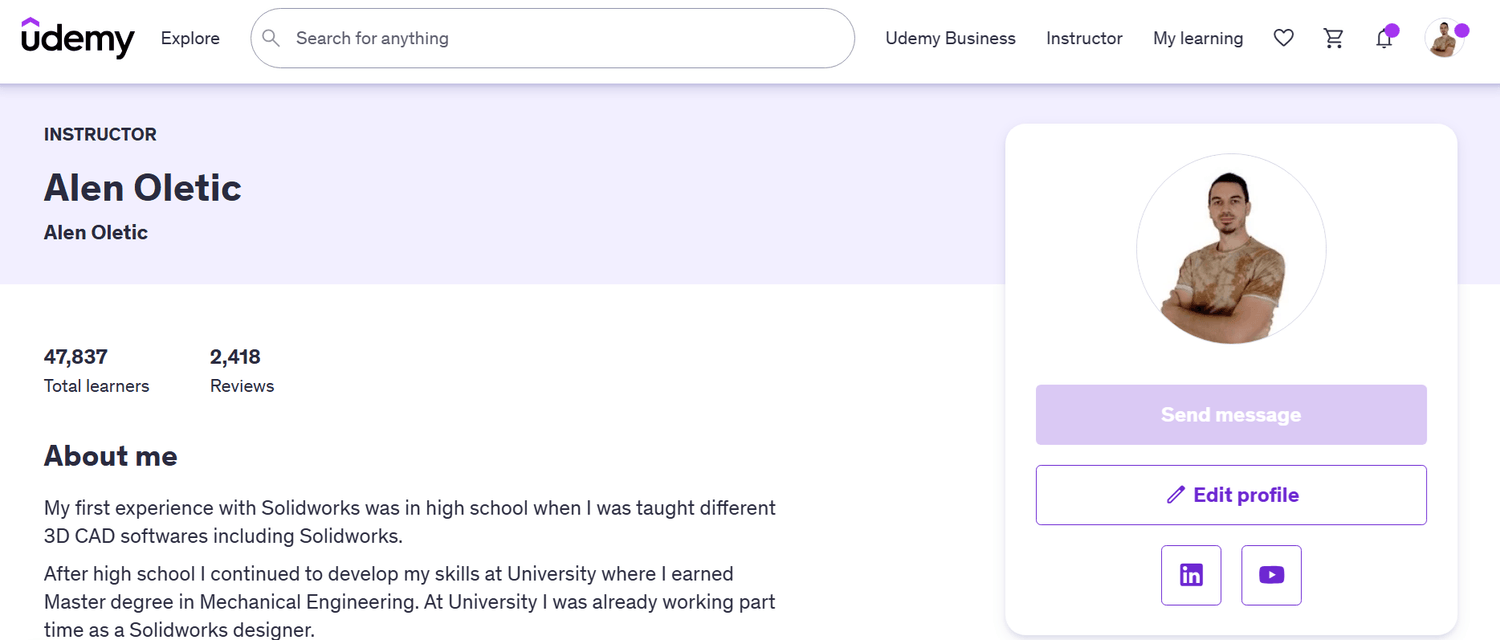
Hi, I’m Alen Oletić — a SOLIDWORKS Certified Professional with a Master’s degree in Mechanical Engineering. Over the past 4 years, I’ve taught 47,000+ students how to confidently use SOLIDWORKS through my best-selling online courses.
I don’t just teach buttons — I teach you how to think like an engineer, build real-world parts, and create a portfolio that actually gets noticed. Whether you're preparing for certification, job interviews, or freelance work, I’ll help you focus on what truly matters — and skip the fluff.

@Copyright 2025