How To Build a SolidWorks Portoflio That Gets You Hired
You’ll receive the SolidWorks Career Guide by email in a moment.
Before you go, let me ask you something honest:
Do you actually feel confident showing your current SolidWorks work to an employer?
Most people don’t.
Not because they’re bad at SolidWorks —
but because their portfolio looks random, unfinished, or unclear.
That’s what this fixes.
And if you don't have one yet, this will show you how to create one.
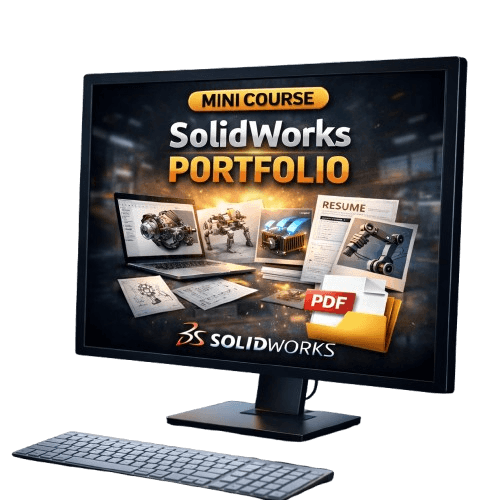
Why Most SolidWorks Portfolios Get Ignored?
Most portfolios fail because they:
show random parts with no story
don’t explain why something was designed
have no drawings or structure
look like practice, not engineering work
Hiring managers don’t have time to guess your skill level.
If it’s not obvious in 10–20 seconds, they move on.
What This Gives You?
Instead of guessing what a “good portfolio” looks like, you get a clear template you can follow.
SolidWorks Portfolio Template + Breakdown
For $17, you get:
✔ A ready-to-use SolidWorks portfolio structure
✔ Exactly what to include (and what to leave out)
✔ How to present your models professionally
✔ How to explain design intent in simple terms
✔ Example descriptions hiring managers understand
✔ A clear standard you can reuse for future projects
This is not a project.
This is the framework that turns your work into something employers respect.
What Changes After This?
You’ll know:
what makes a SolidWorks portfolio look professional
how many projects you actually need
how to explain your work without sounding lost
how to stop feeling unsure or embarrassed
Your portfolio stops being “something you avoid showing”, and becomes something you can confidently send out.
Time Investment
30–45 minutes to go through
Works for beginners and intermediates
Applies to any SolidWorks project you build
One-Time Thank-You Page Offer
SolidWorks Portfolio Template + Breakdwon
Special price: $7
This offer is only available on this page.
If You Skip This
That’s okay — you’ll still get the Career Guide.
But if you want clarity instead of guessing, this is the fastest way to get there.
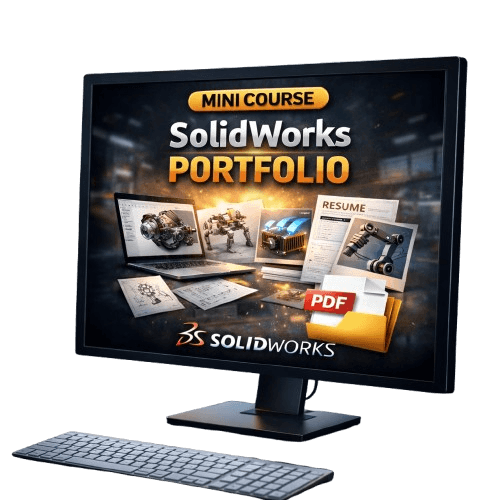
About the Instructor
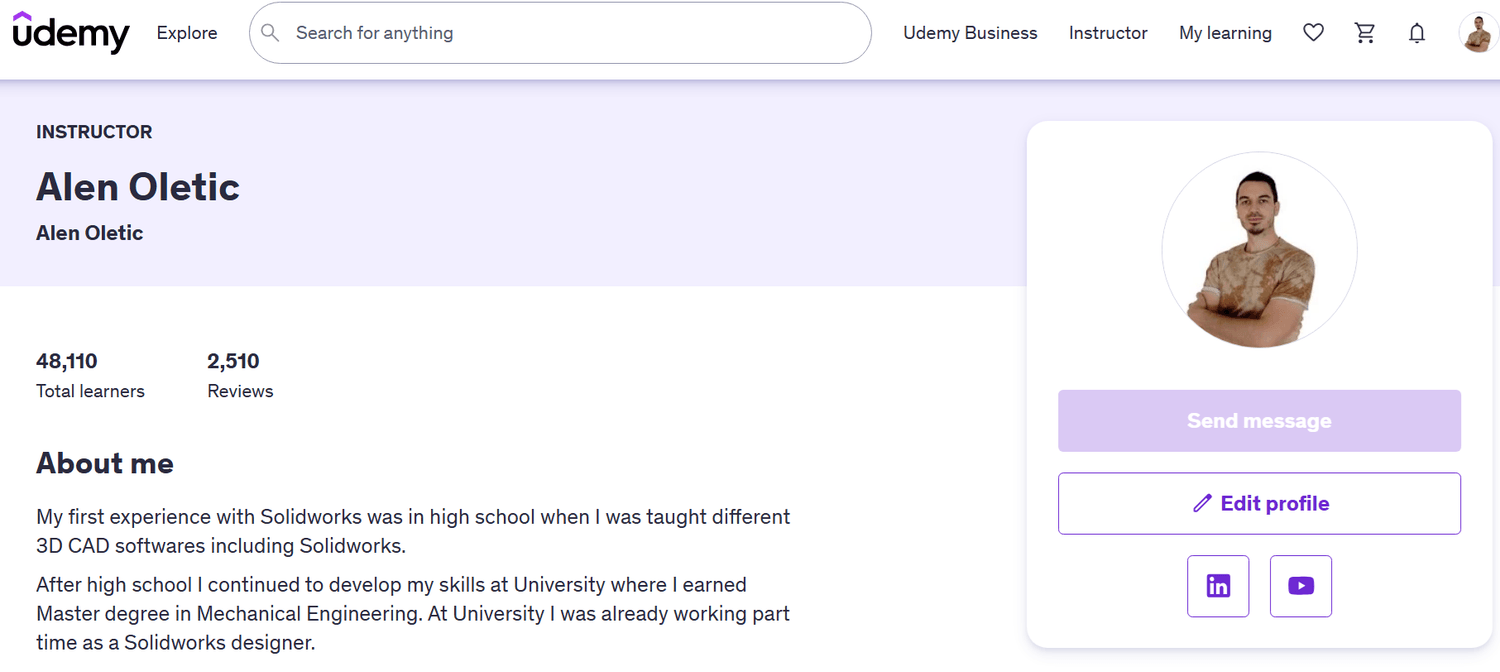
Hi, I’m Alen Oletić — a SOLIDWORKS Certified Professional with a Master’s degree in Mechanical Engineering. Over the past 4 years, I’ve taught 48,000+ students how to confidently use SOLIDWORKS through my best-selling online courses.

@Copyright 2025