Solidworks Surfacing Mastery
If You’re Serious About Mastering SOLIDWORKS…You Need This One Skill Most Users Avoid
You’ve done the tutorials.
You’ve built some parts.
You understand how SolidWorks works…but you avoid anything curved or complex.
And deep down, you wonder:
“Will I ever be good enough to do the real stuff?”
That’s what Surfacing feels like when you don’t understand it — intimidating, fragile, and impossible.
But once it clicks?
Everything changes.
You finally build the parts you used to scroll past.
Your designs look professional, and real.
You stop feeling like a beginner, and start feeling like a real product designer.
Introducing: The SolidWorks Surfacing Mastery
+ BONUS: CSWPA-SU Advanced Certification Prep
Once you master surfacing — everything changes.
You can design the kind of sleek, organic parts that companies actually want
You start thinking and working like a product designer, not just a CAD operator
You become confident modeling anything, even without perfect sketches
You unlock career paths and freelance jobs others have to skip
You earn respect, and real proof with an advanced certification (CSWPA-SU)
This isn’t just about learning tools.
This is about becoming a top-level modeler who’s trusted with real projects — because you know how to build complex geometry that works.
You’re not just another student playing with part design.
You’re someone who can walk into a design review and say:
“Yes — I can build that.”
What’s Inside the Course:
Sketching For Surface
Surface Creation Tools
Surface Modifiers Tools
Real World Examples
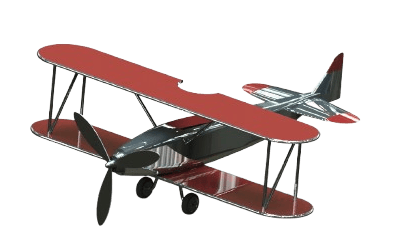
Project: Vintage Plane
CSWPA-SU Prep Exam
This Is For You If:
You know the basics of SolidWorks but feel stuck at intermediate level
You’ve tried surfacing before and got overwhelmed
You’re afraid to open the surfacing tab
You want to apply for product design jobs, but your parts all look boxy
You want to model like the top 5%, not stay stuck as “just a beginner”
Curriculum
3D Sketch
Spline
Split Surface
Extruded Surface
Extruded Surface Open Sketch
Extruded Surface Start Conditions
Extruded Surface End Conditions
Face Extrusion
Revolved Surface
Revolved Surface Variations
Swept Surface
Swept Surface Guide Curves
Swept Surface Orientation And Twist
Curvature Display
Lofted Surface
Lofted Surface Connectors
Lofted Surface Guide Curves
Lofted Surface Centerline Parameter
Lofted Surface Start/End Conditions
Boundary Surface
Boundary Surface Advantages
Boundary Surface Example
Filled Surface
Filled Surface Control And Constraint Curvature
Filled Surface Using Edge
Optimizing Filled Surface
Ruled Surface
Ruled Surface Options
Offset Surface
Planar Surface
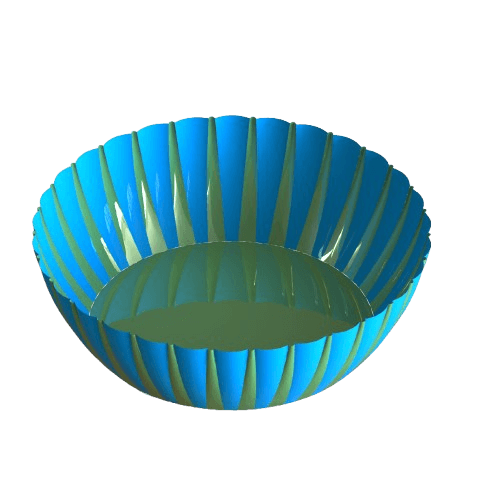
Bowl Tutorial Video
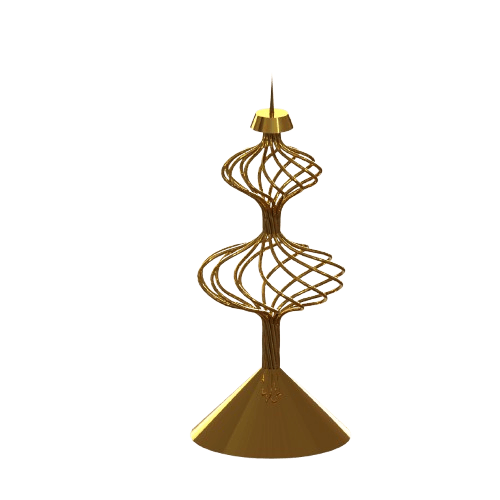
Candle Holder Tutorial Video
Trim Surface
Trim Surface Types
Trim Surface Advanced Options
Untrim Surface
Untrim Surface Advanced Options
Cut With Surface
Delete Face
Delete Face Options
Extend Surface
Knit Surface
Replace Face
Thicken Tool
Fillet
Direct Editing - Move
Freeform Tool
Freeform Continuity Options
Freeform Control Curve
Freeform Control Points
Freeform Symmetry
Freeform Precise Control
Flatten Surface
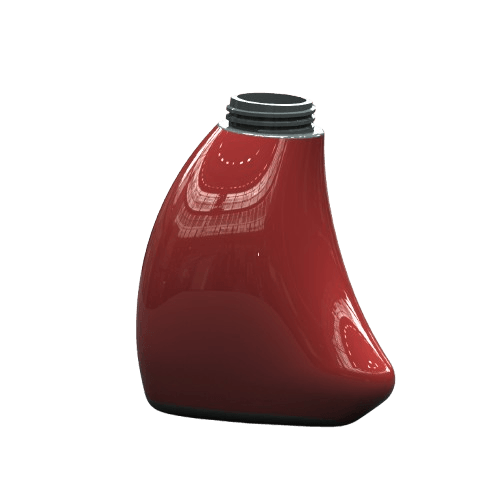
Bottle Tutorial Video
Shovel Tutorial Video
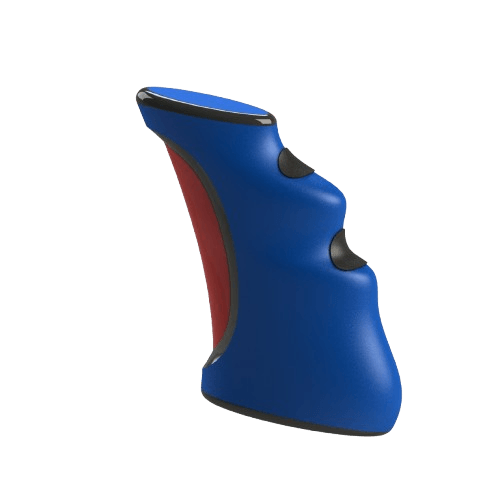
Joystick Tutorial Video
Vintage Plane
Download Exam
Question 1
Question 2
Question 3
Question 4
Real World Models Inside The Course
What You’ll Get Today:
Lifetime access to the full Surfacing Mastery curriculum
Real-world projects: joystick, bottle, shovel, bowl...
All project files, sketches, and walkthrough videos
Email support if you get stuck
BONUS: CSWPA-SU Exam Prep
Today Only: Add This to Your Order for Just $60 using code:
Become surfacing-confident
Stand out with advanced certification
Build parts 95% of users avoid
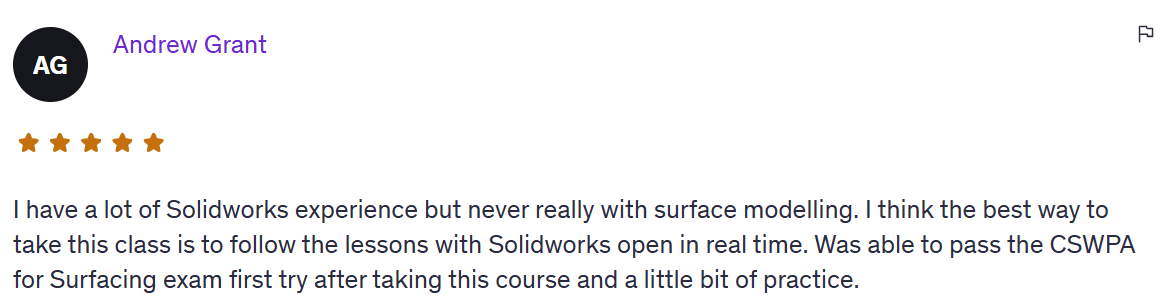
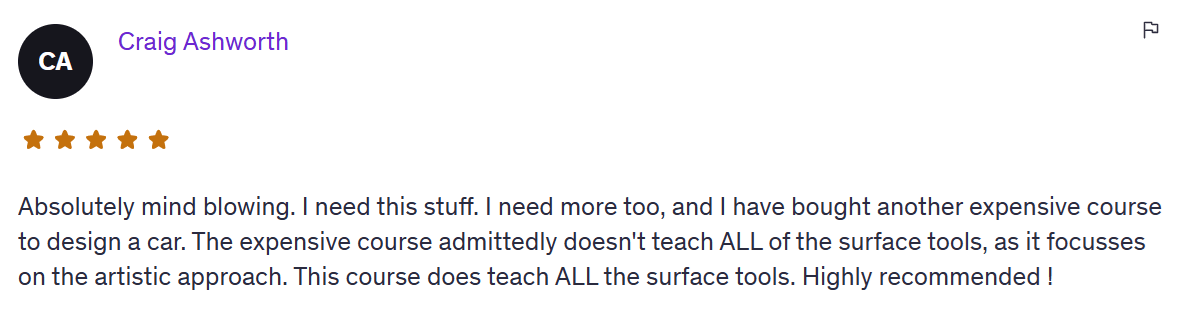
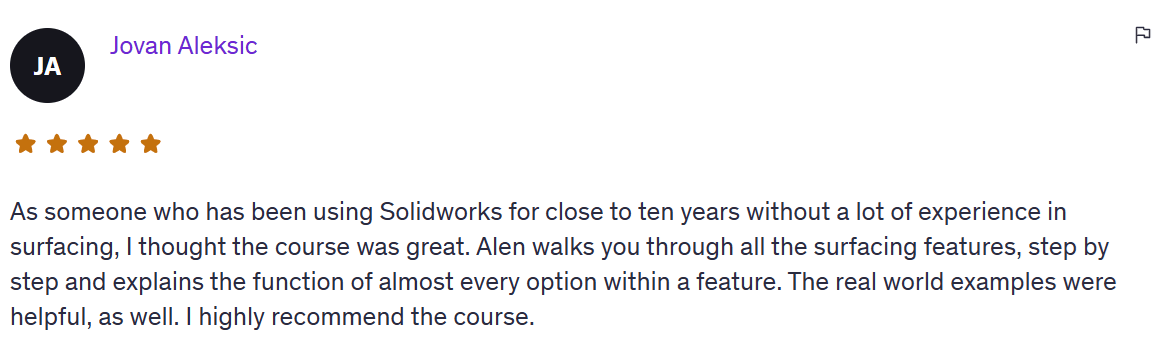
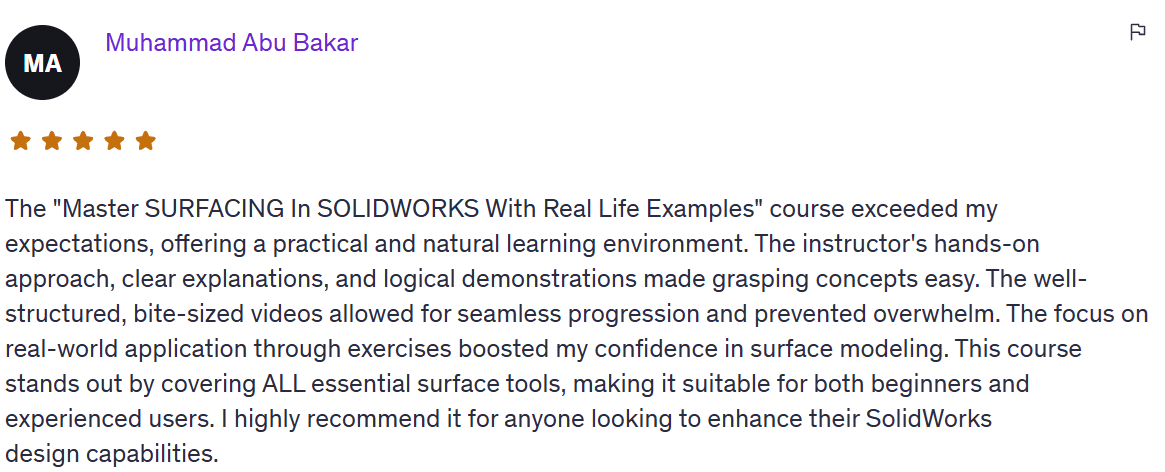
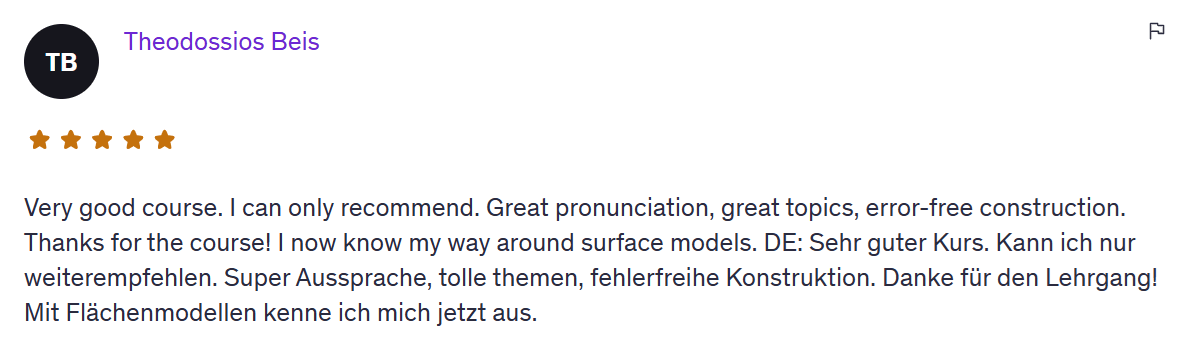
Real people - Real results
@cadandengineeringschool