Your SolidWorks Beginner Blueprint Is On Its Way!
Check your inbox in the next few minutes.
Before you go...
Build Your First Real SolidWorks Part in the Next 60 Minutes
With the First Real Project Pack, you’ll build two real parts (Bracket + Flange), follow step-by-step videos, get downloadable files, and gain the confidence to go from “I’m learning” to “I’m designing.”
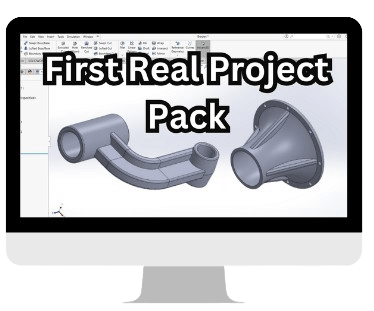
One-time price: $17
You now have the list of tools you need (in the Blueprint).
This VIP Project Pack shows you exactly how to use them to build real parts step-by-step.
Inside First Real Project Pack you’ll:
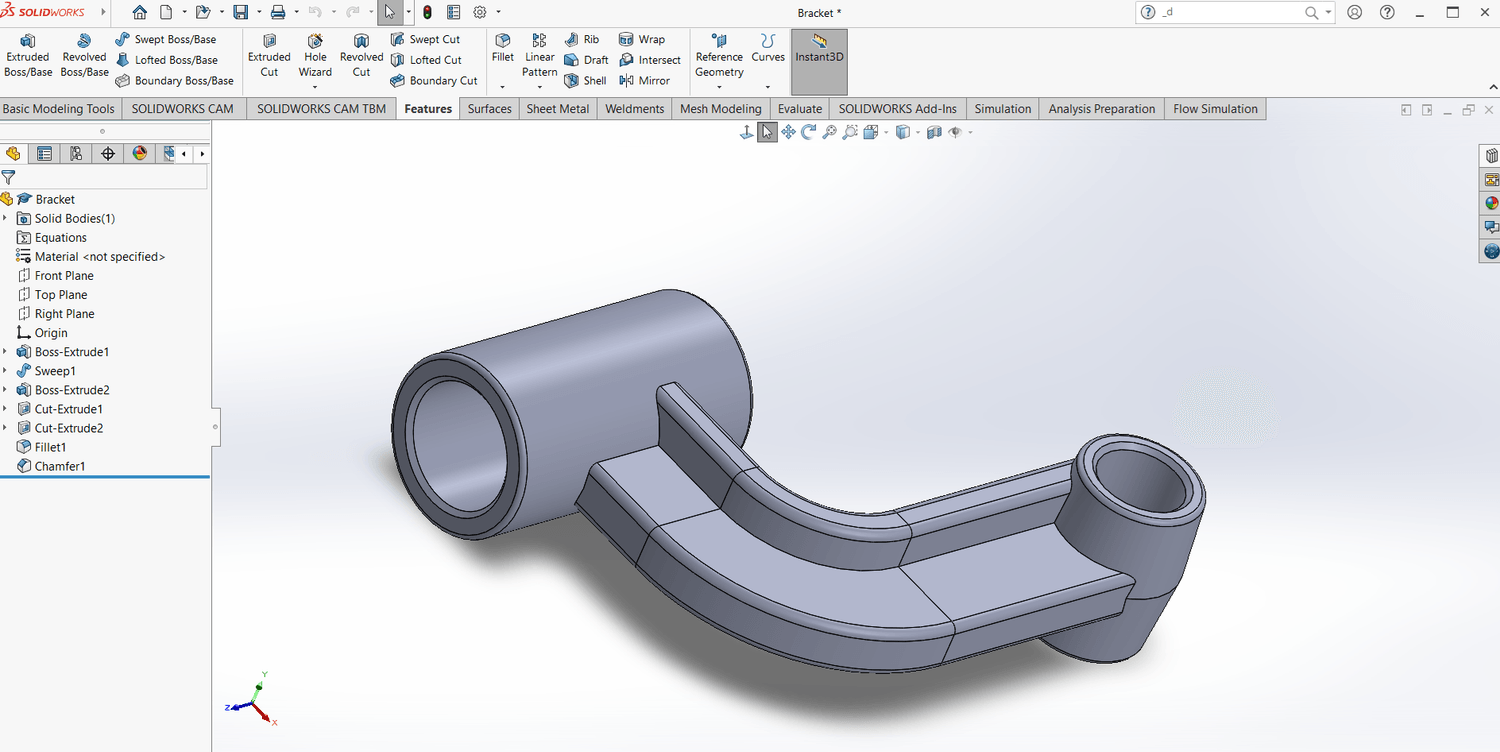
Model a bracket with curves, ribs and clean design intent
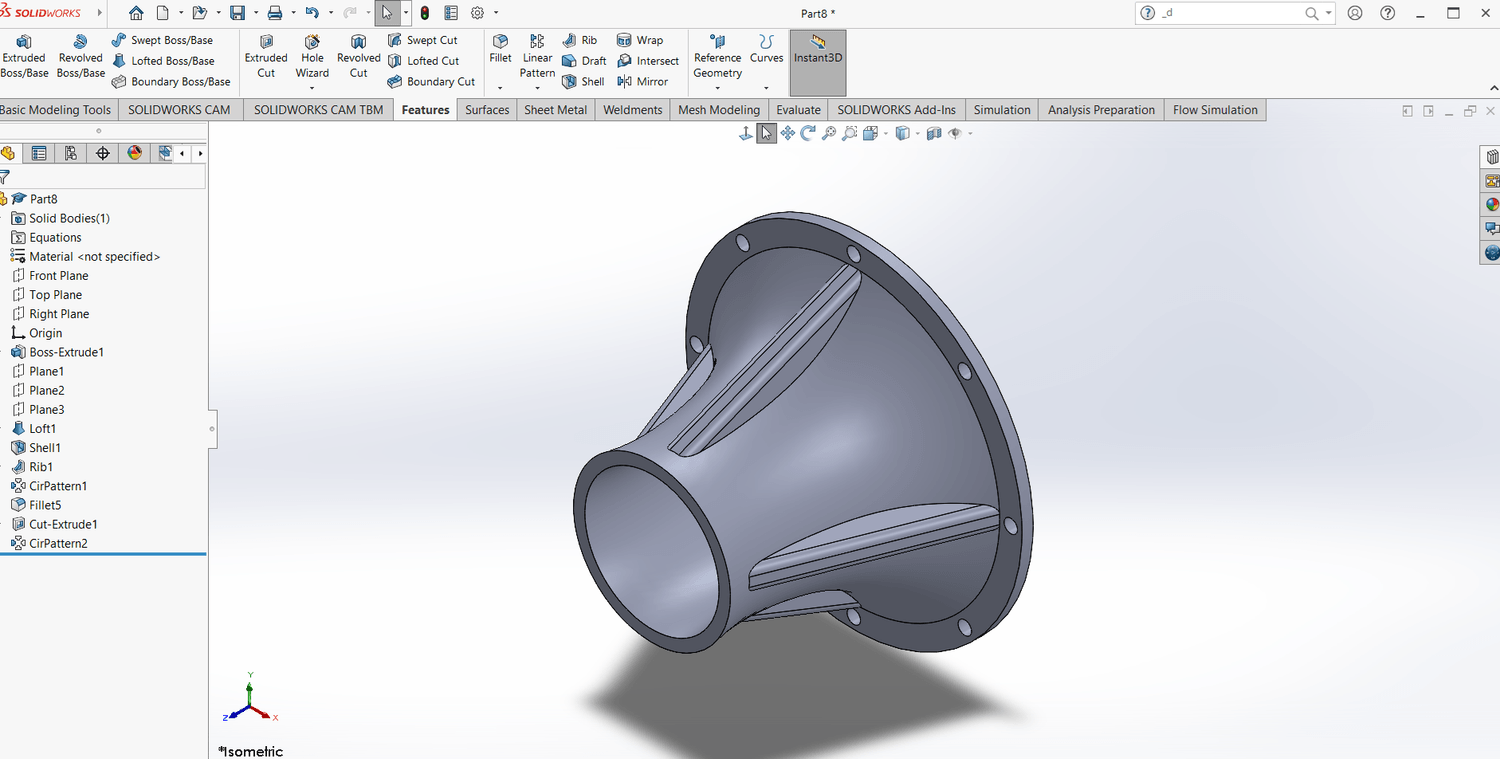
Model a flange plate with real-engineering features: shell, ribs, circular patterns
Get finished project files so you’re not starting from zero
Watch clear, beginner-friendly videos that walk you through every step
Gain lifetime access so you return, refine, build on what you learn
What You’ll Build Inside
Bracket Project
You’ll model a functional bracket with curvature, rib reinforcement, and clean design intent.
Skills you’ll practice:
How to sketch with structure (no messy geometry)
How to use sweeps for controlled curves
How to reinforce parts with ribs
How to apply fillets for strength, not decoration
Outcome:
You’ll gain confidence modeling real-world parts that require flowing geometry and structural thinking—not just straight lines and basic extrudes.
Flange Project
You’ll model a conical flange with shelling, ribs, and circular patterns.
Skills you’ll practice:
How to use Loft to create smooth transitions
How to shell a part for consistent wall thickness
How to pattern features cleanly without breaking the model
How to place ribs to improve stiffness
Outcome:
You’ll learn how to confidently create real mechanical parts with curvature, reinforcement, and manufacturable wall thickness—skills that directly translate to professional engineering design workflows.
What’s Included
Step-by-step guided video lessons
Full downloadable project files
Finished reference models
Lifetime access (watch anytime, at your own pace)
Bonus Included (Today Only)
Beginner Troubleshooting Guide
Fix 15 common SolidWorks errors instantly:
Sketch won’t fully define
Fillet fails
Hole Wizard won't activate
Patterns break
Assemblies explode
This guide removes frustration and keeps you moving forward.
You will use this every time you model.
This is designed for complete beginners.
If you can follow clear steps, you can do this.
You can watch lessons anytime.
There’s no expiration.
You make progress at your pace.
This $17 price is only available right now on this page.
If you leave this page, you will not see this offer again.
What You Will Be Able To Do By The End of These Two Projects
Start a model without confusion
Create sketches that are fully defined and stable
Understand when to use features like Loft, Shell, Ribs, and Patterns
Build clean, editable, real-world parts
About the Instructor
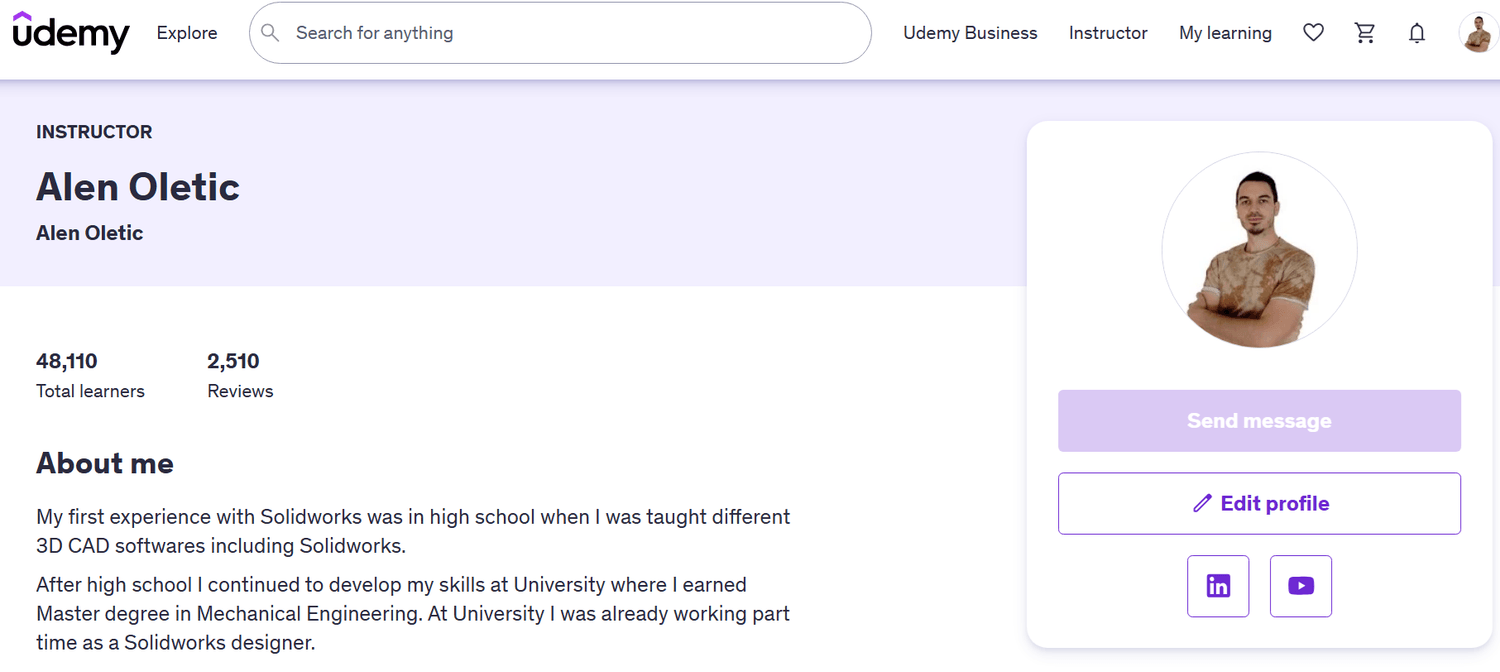
Hi, I’m Alen Oletić — a SOLIDWORKS Certified Professional with a Master’s degree in Mechanical Engineering. Over the past 4 years, I’ve taught 48,000+ students how to confidently use SOLIDWORKS through my best-selling online courses.

@Copyright 2025